01
Context
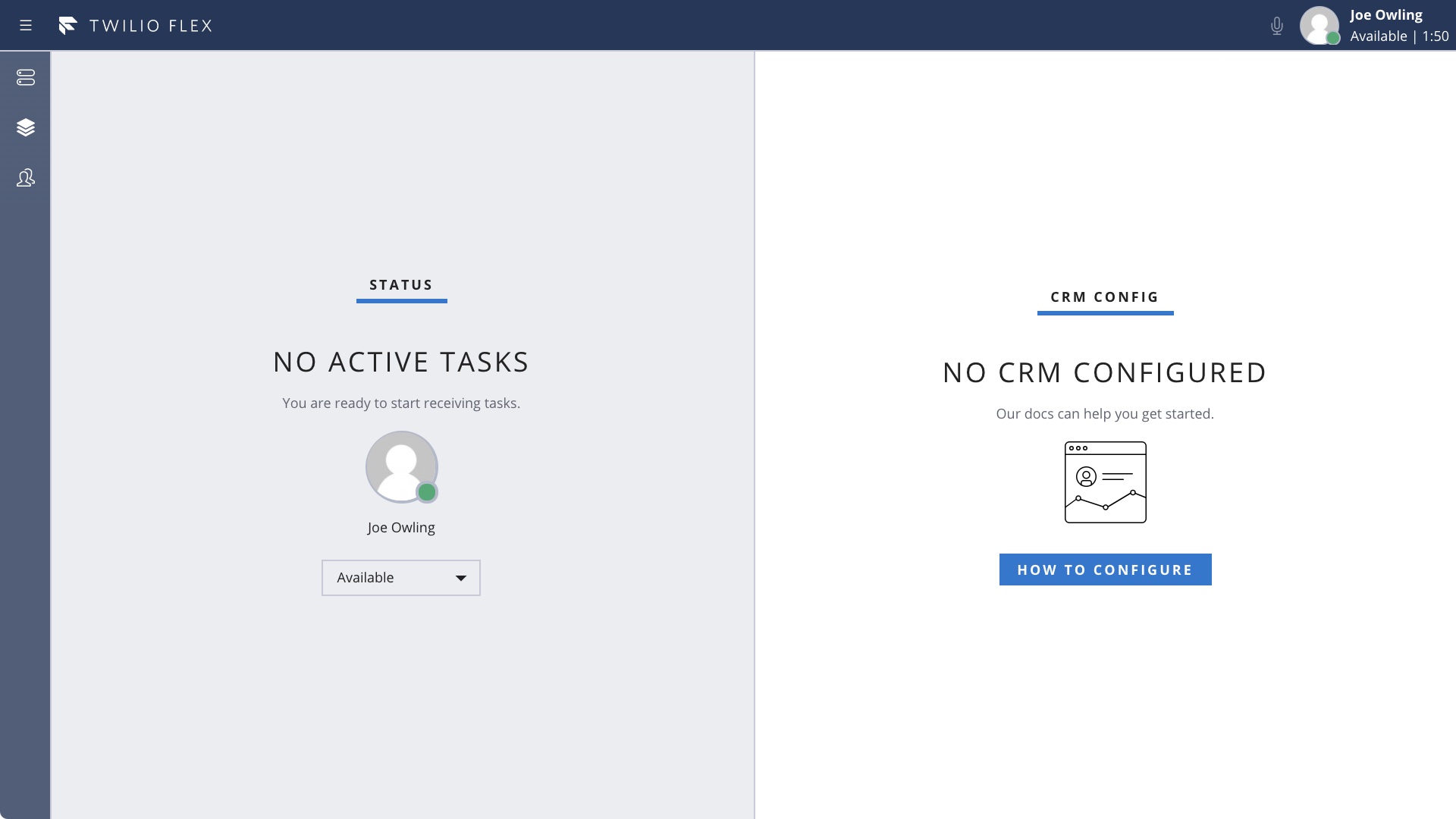
Twilio’s main product is a contact center platform called Flex. It is immensely customizable, but it is a platform and not an off-the-shelf product. Out of the box, it is somewhat bare and its possibilities are not so obvious.
This poses a problem for Twilio’s System Integrator (SI) partners who need to invest significant efforts into building their demos so that they can demonstrate the platform’s value to their customers.
Twilio SI partner
02
Problem statement
Twilio’s SI partners need a simpler way to run fully-featured end-to-end demos of the contact center platform to their customers.
Moreover, each SI partner has its own specific set of technologies they specialize in. They need to be able to customize the demo to include these and demonstrate their unique value-add.
03
Goals
Powerful demo
Help partners build powerful understandable demos that wow and engage the audiences and inspire action.
Easy to set up
It needs to take hours, not weeks to set up.
Customizable
Partners need to be able to extend it with technologies they specialize in.
04
Design process
Getting from an out-of-the-box Flex project to a fully-featured contact center usually involves solving 3 main challenges:
- Setting up communication channels the customers can use to reach the contact center. This could be a phone IVR, webchat widget on the company’s website, or a WhatsApp chatbot.
This also includes automated solutions that help customers self-service (like AI chatbots and voice assistants). - Integrations with the company’s existing infrastructure. Say if customers need to be able to check their balance, the contact center needs to have access to the CRM system where this is tracked.
- Building an efficient agent UI that helps contact center agents solve customer issues with minimal effort.
As a first step, in collaboration with the partner-facing architects and Twilio’s internal demo team, we decided on retail as the demo vertical. Retail as a use case is easy to understand, plus Twilio already had an existing internal retail demo so I was able to reuse its demo script and plugins.
1. Communication channels
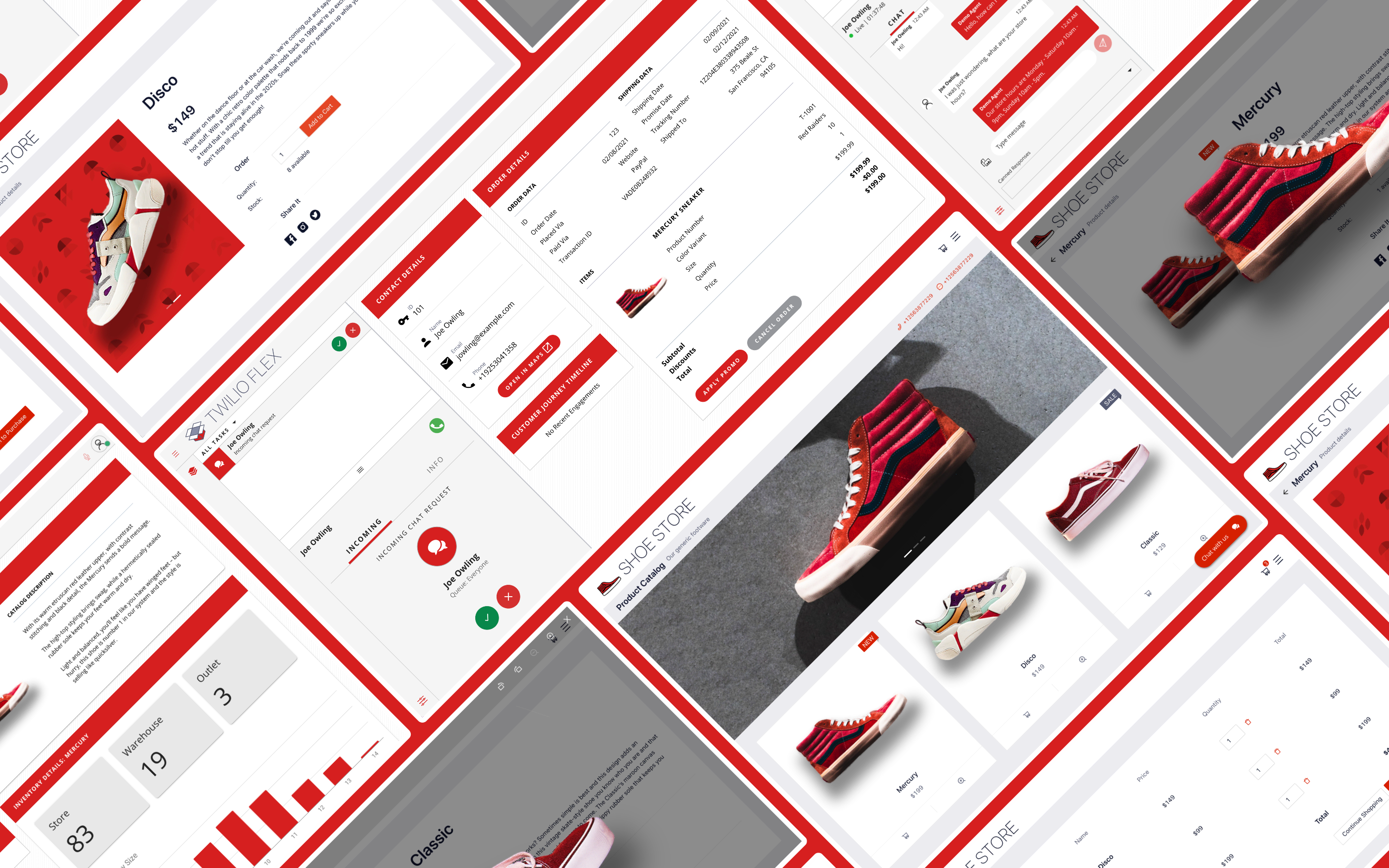
The demo supports 4 channels that both the presenter and the audience can use to interact with the contact center: Voice, SMS, webchat and WhatsApp.
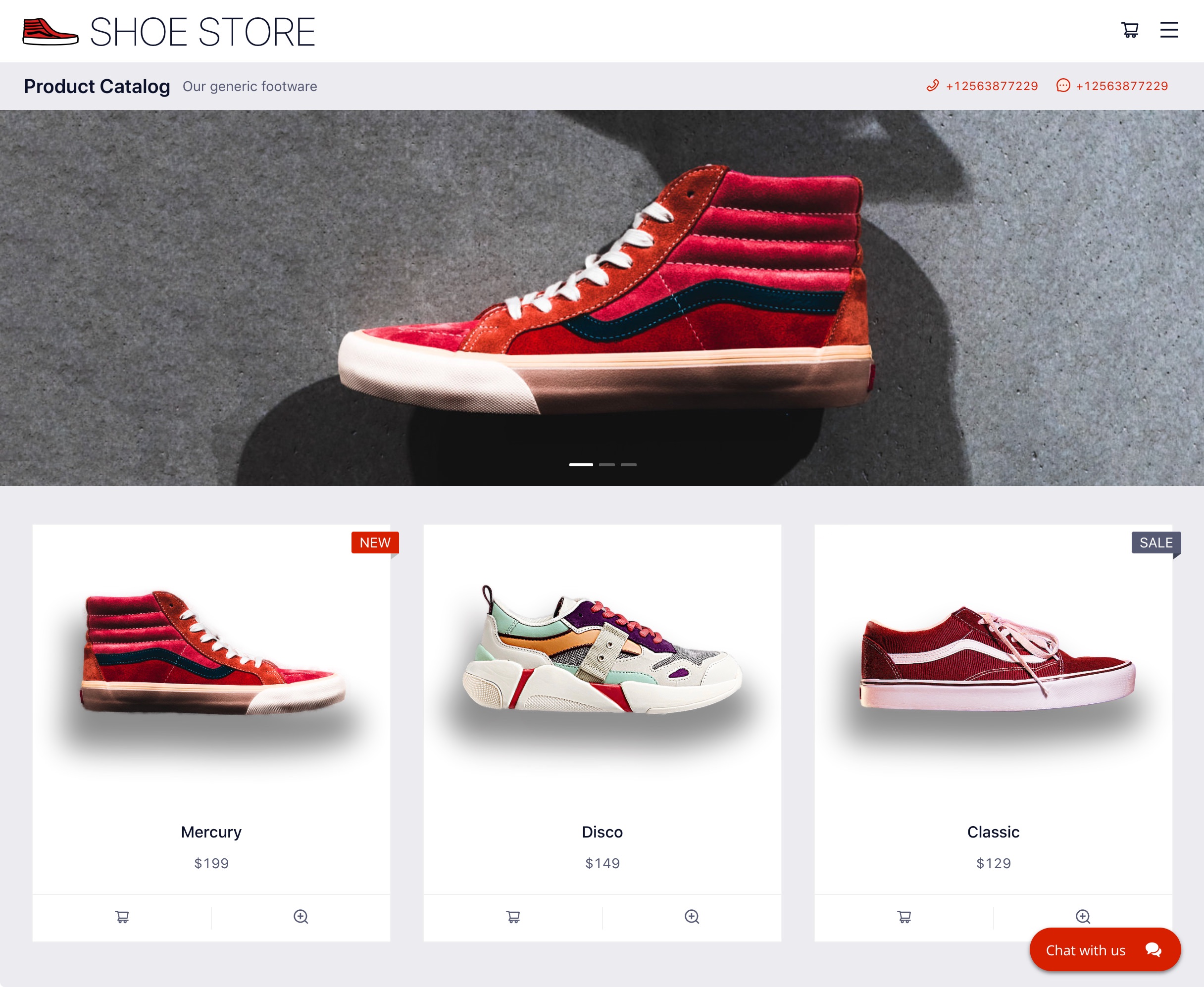
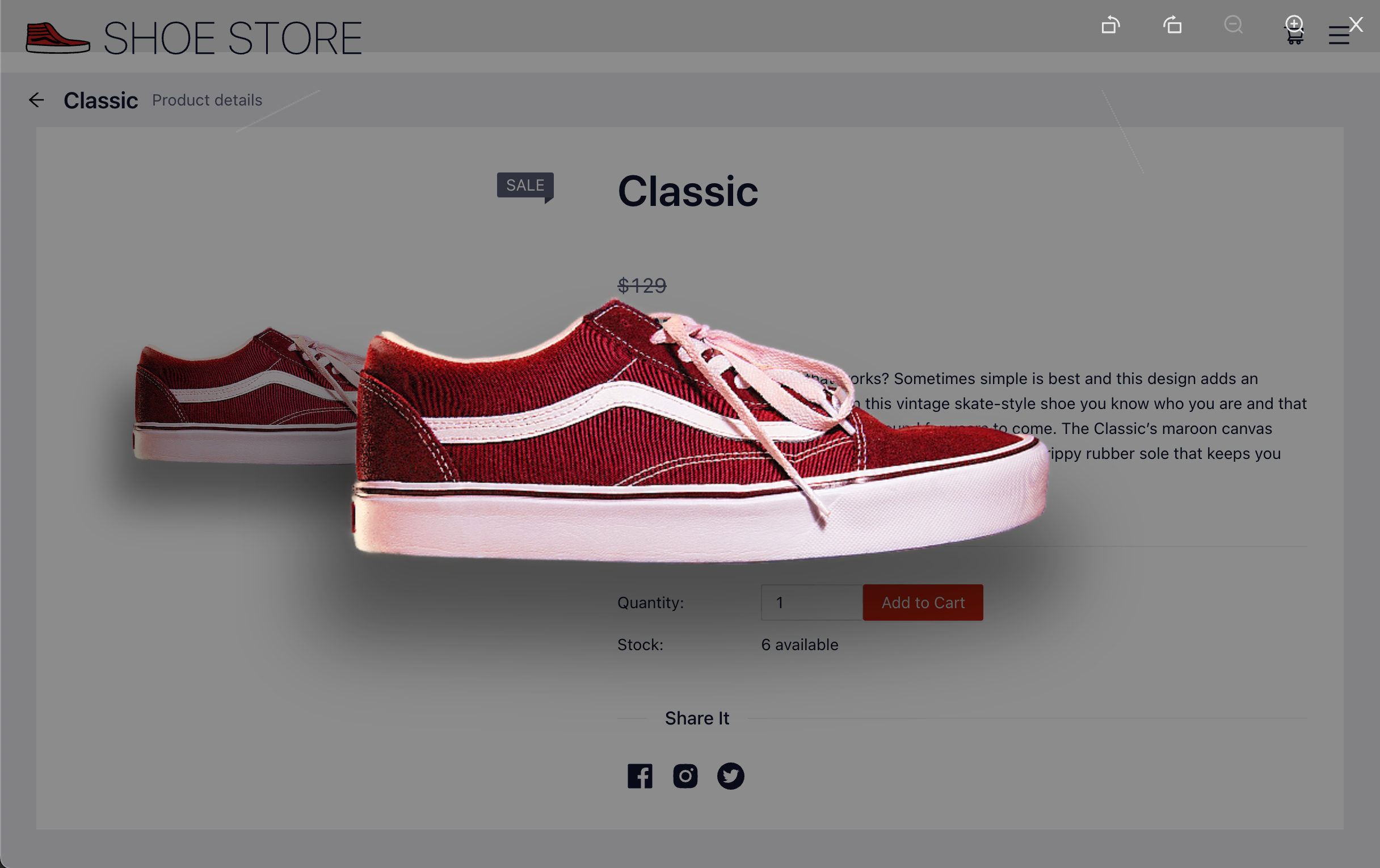
The webchat needs a public-facing website and so does the demo itself, since it shows the end-to-end customer journey.
For licensing and customizability reasons, this had to be built from scratch. To do this, I used React and Ant framework.
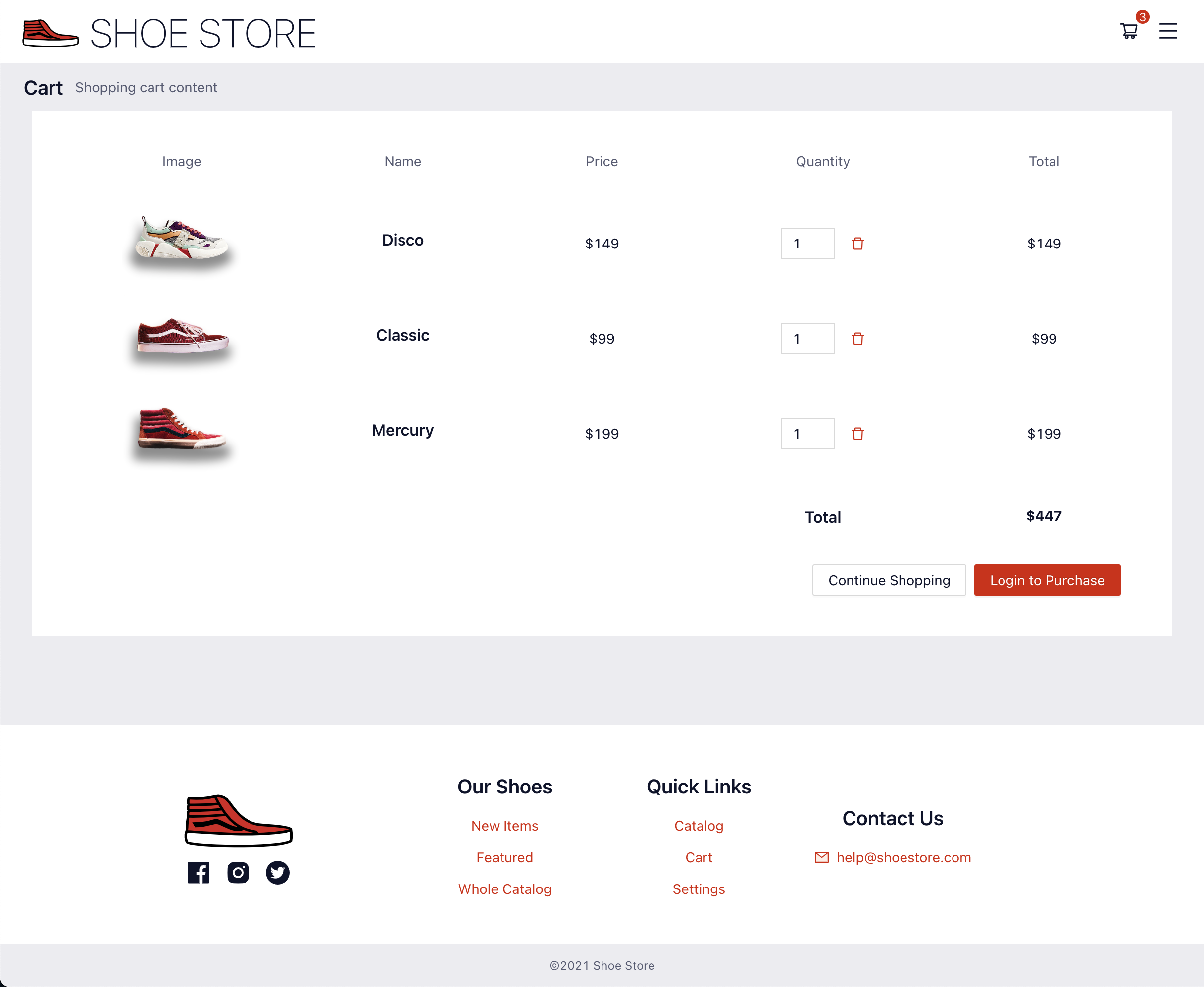
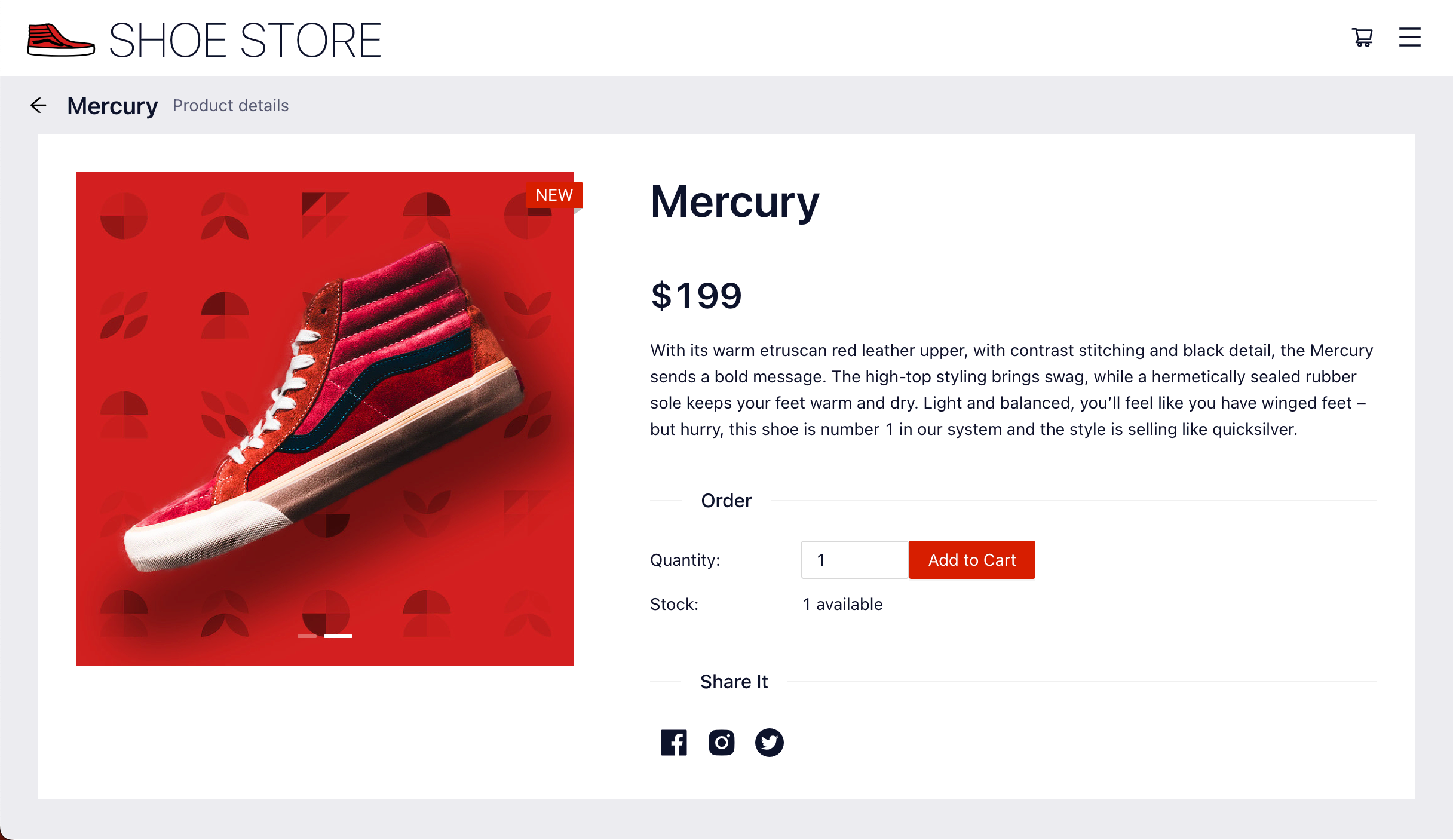
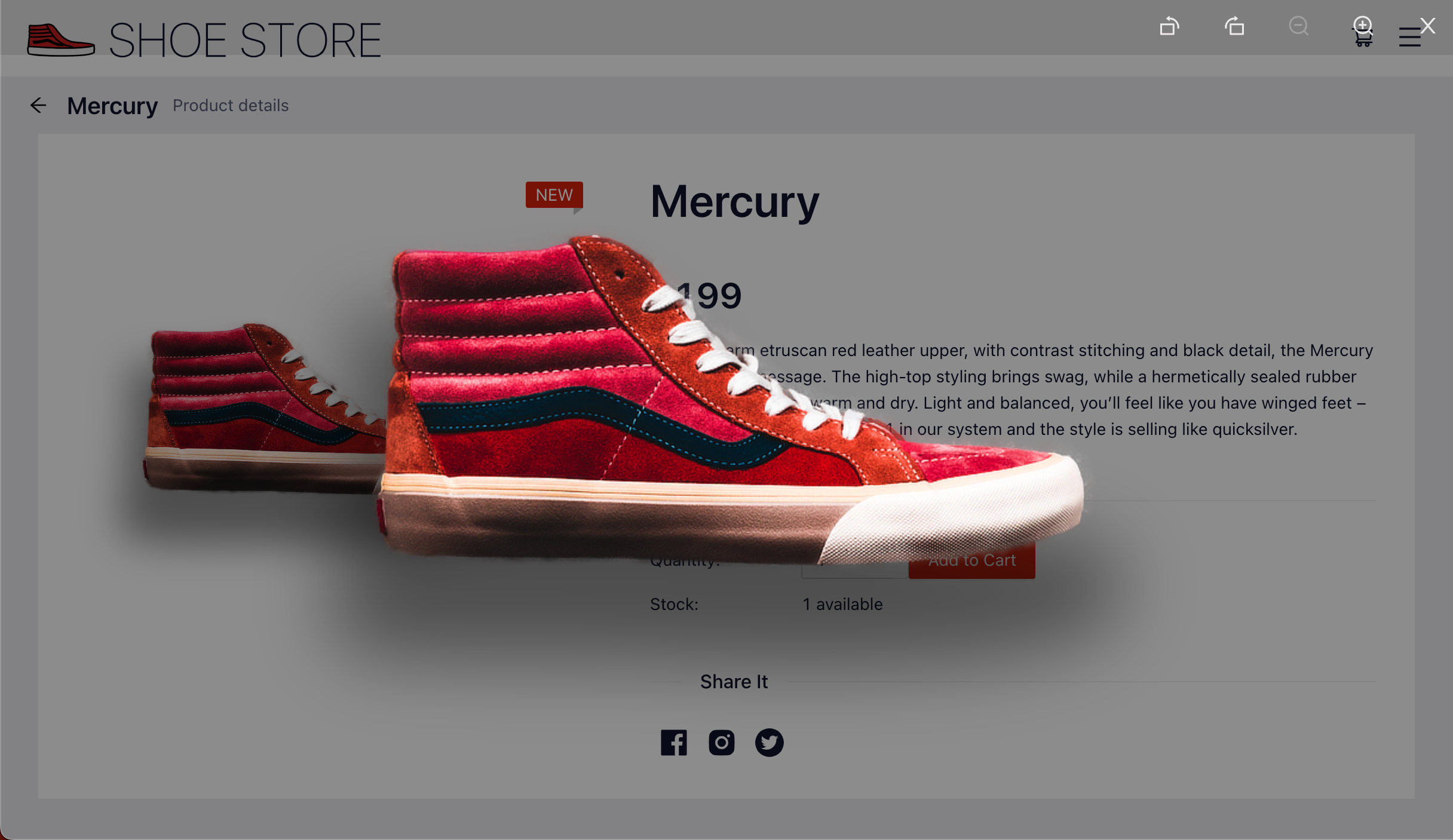
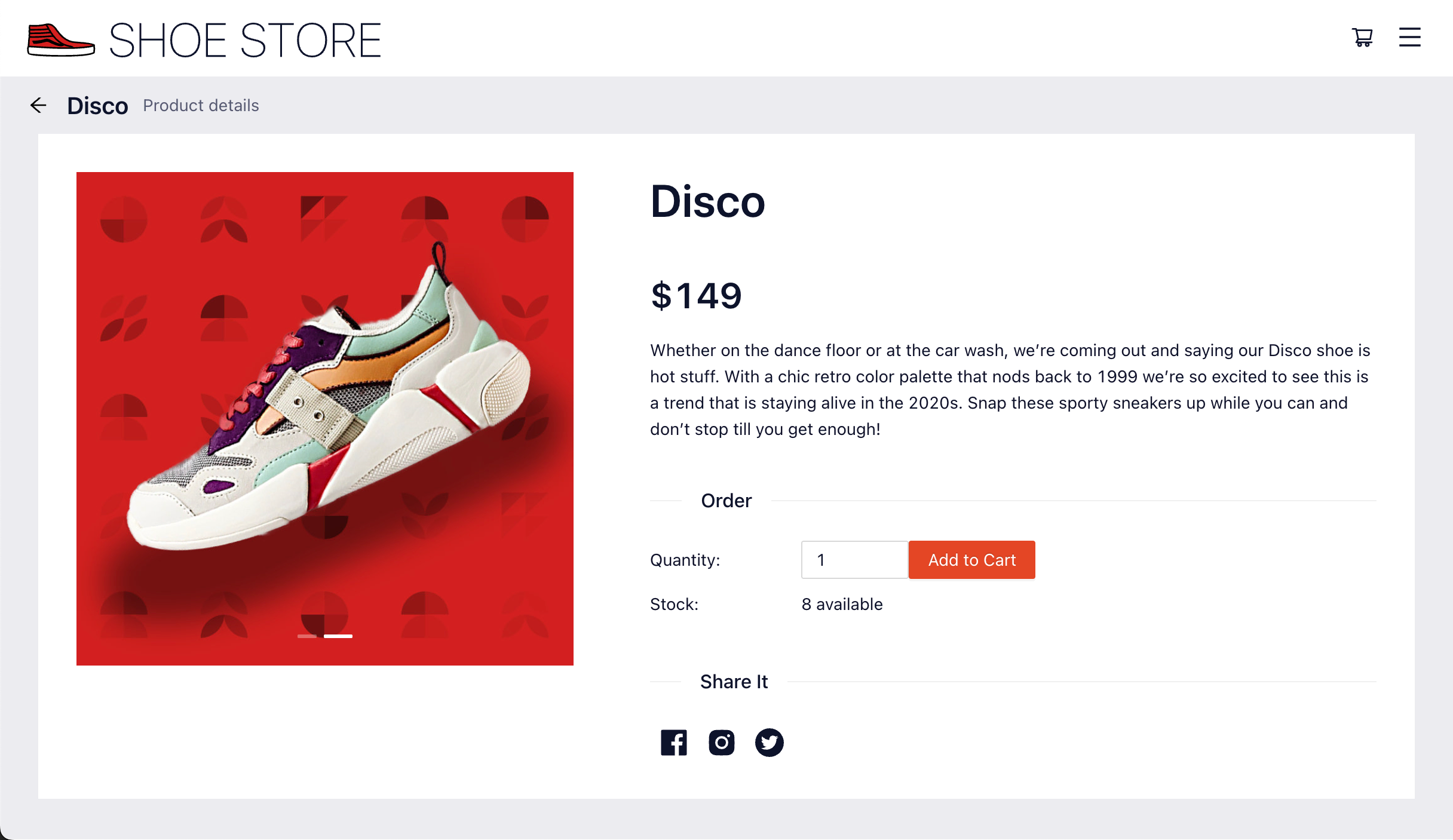
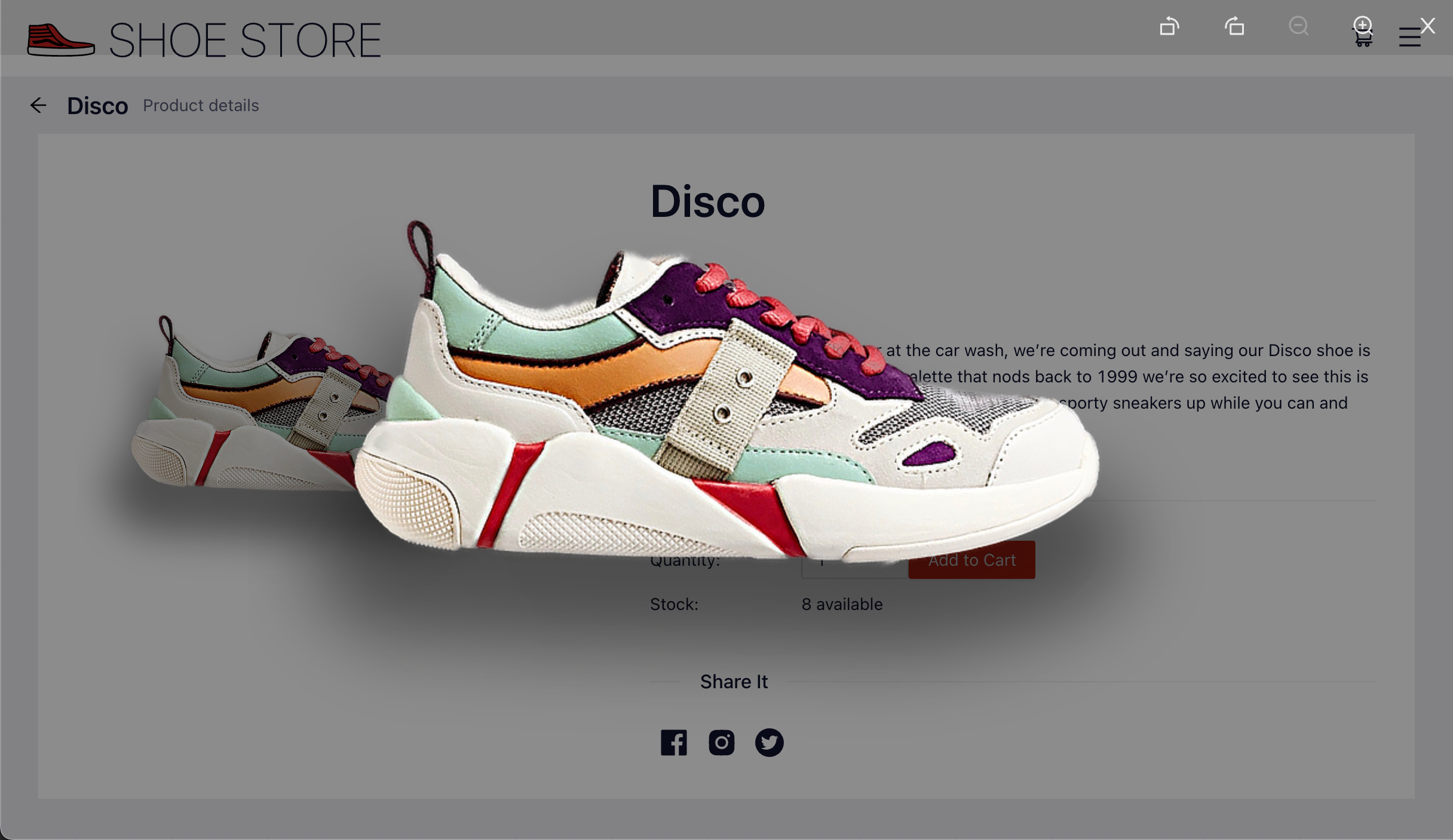
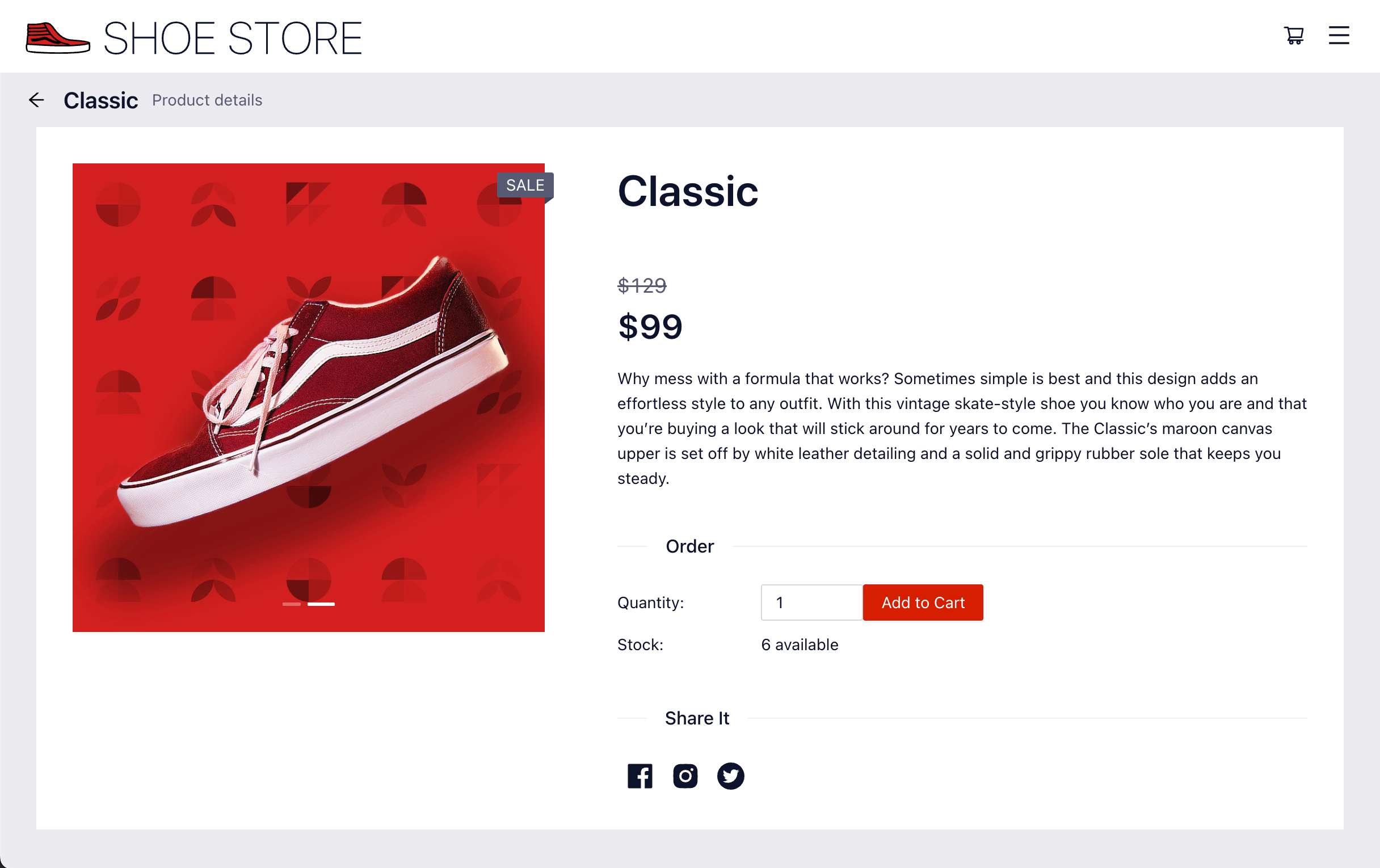
The website allows the demo presenter to log in, add shoes to a cart, and place an order.
The starter pack also includes a Studio Flow that implements a voice IVR and a messaging chatbot. These demonstrate basic self-service tasks like enquiring about opening hours or fetching an order status.
2. Integrations
I wanted each partner to be able to integrate the technologies they specialize in. For example a Salesforce SI partner would integrate the starter pack with Salesforce and expand the demo in that direction.
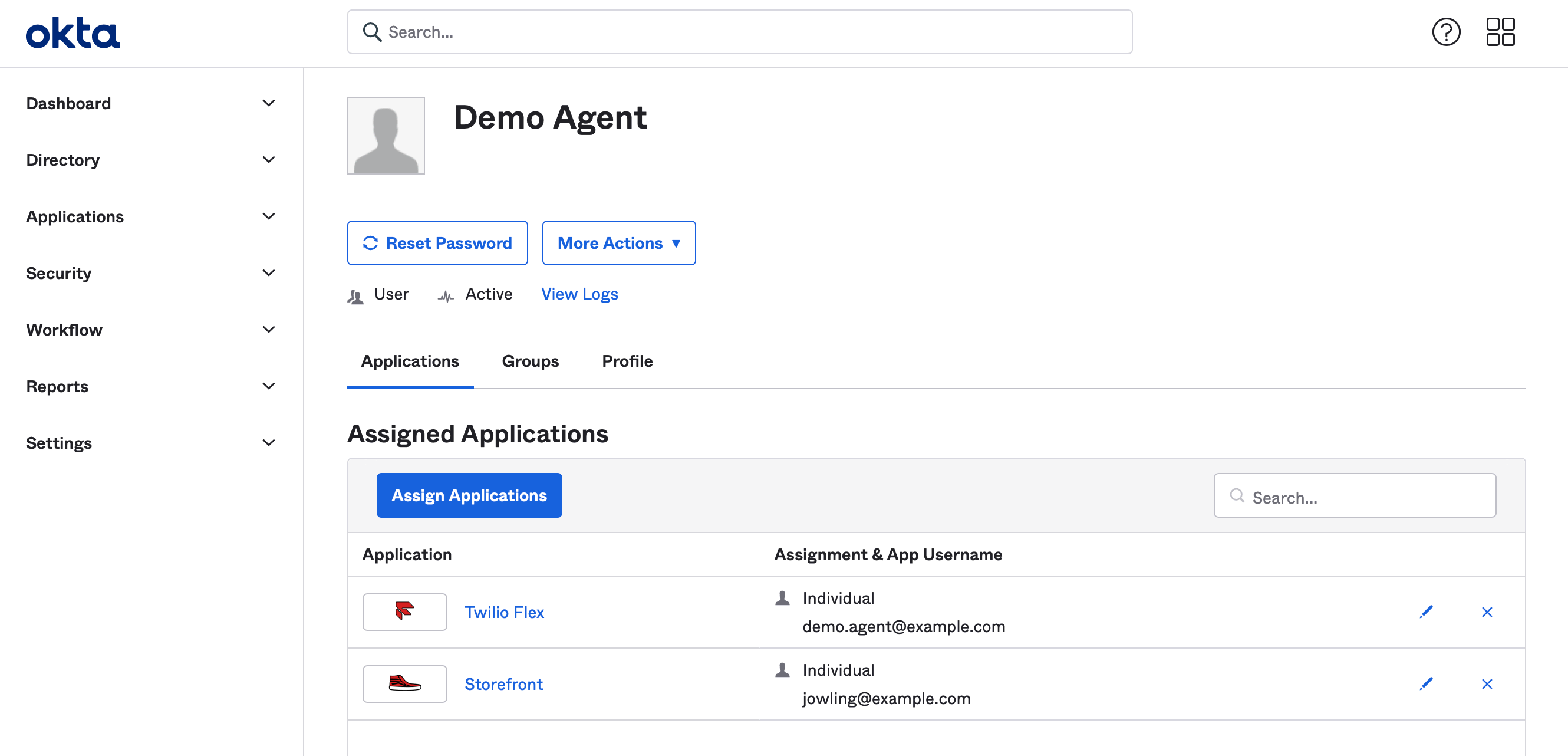
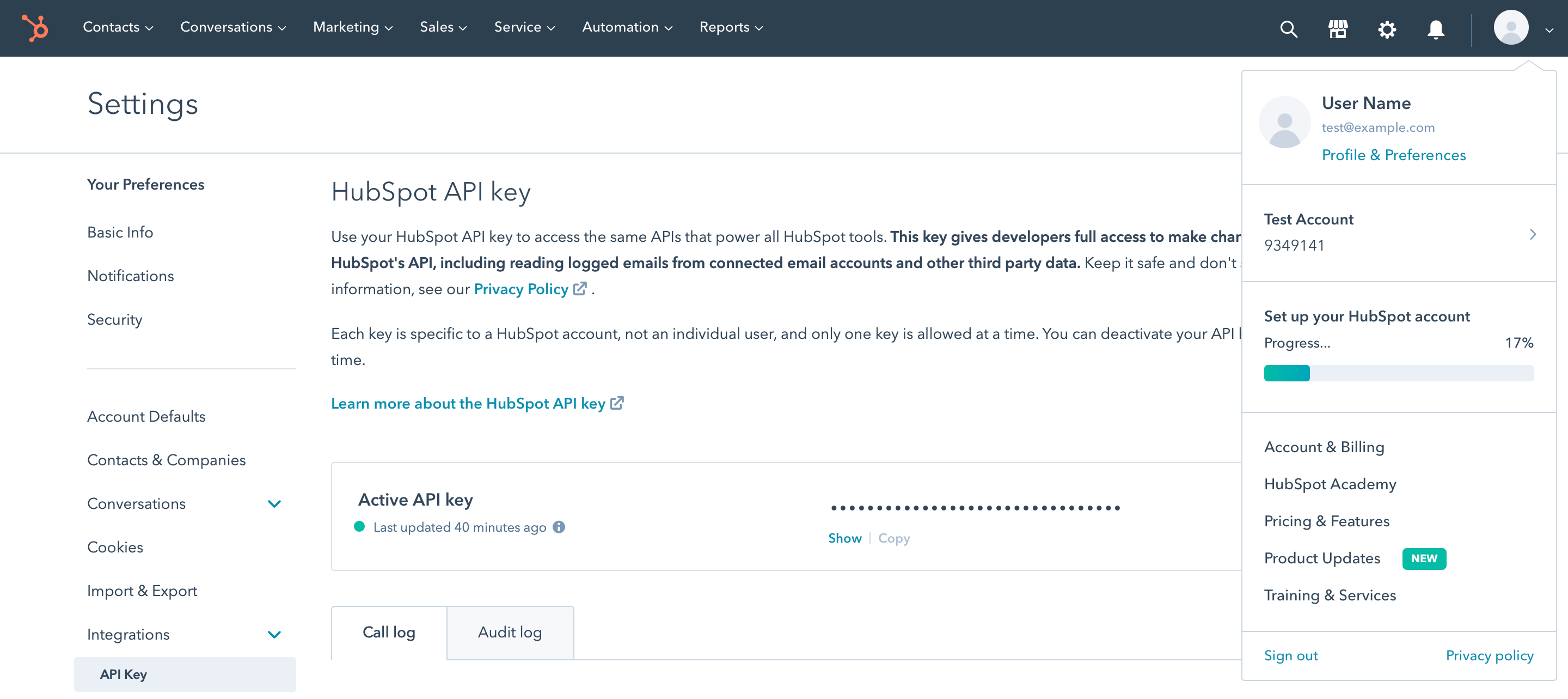
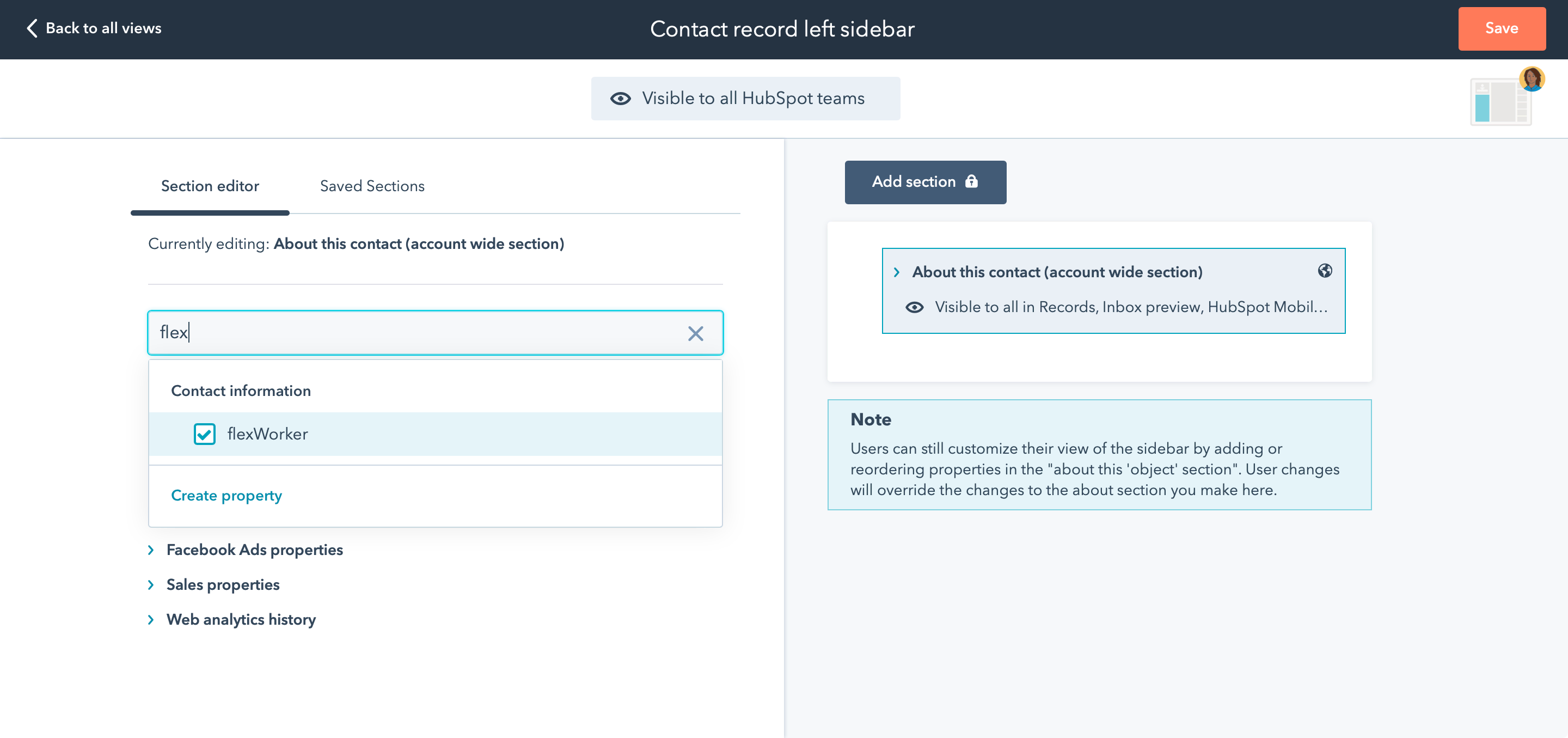
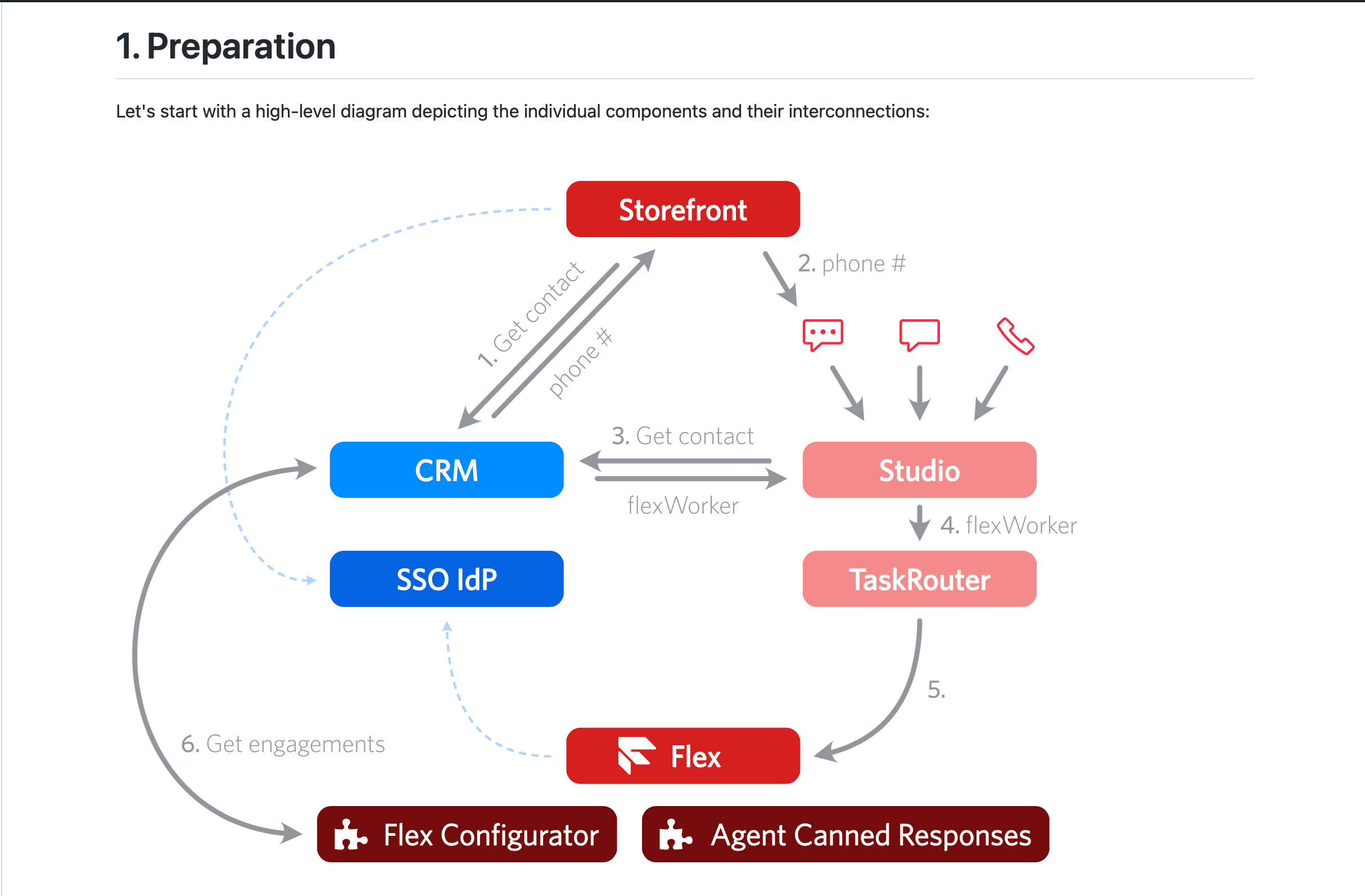
To help partners get started, detailed instructions for integrations with two services are provided as part of the bundle:
3. Agent UI
One of the key selling points of Flex is the ability to fully customize the agent desktop. However, the out-of-the-box experience is quite bare.
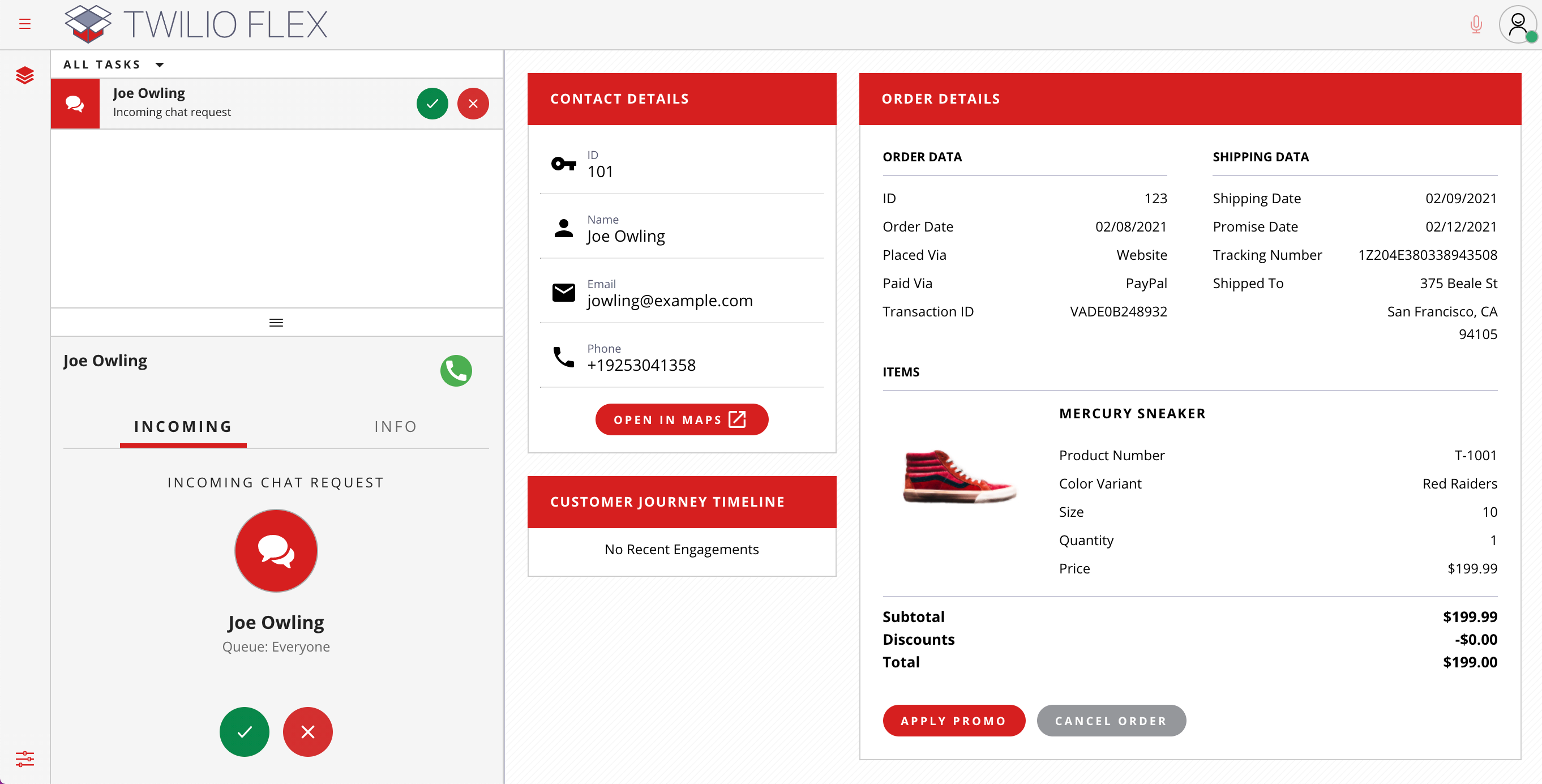
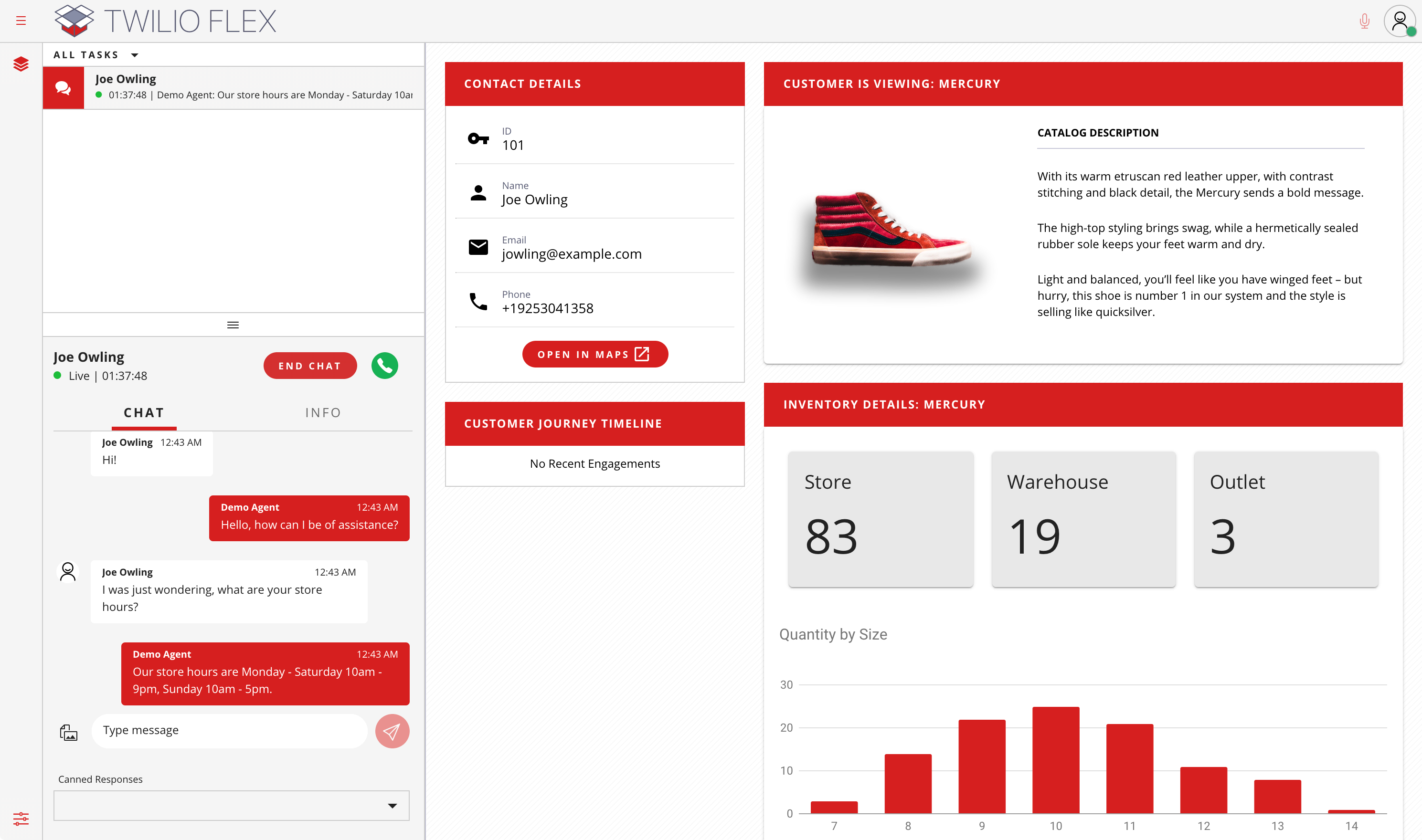
To make the demo more engaging and to show what is possible with Flex, I took two existing plugins from the internal demo team and modified them to work with this demo starter pack. That included both the CRM integration and a unified visual look.
The agent UI also shows different content based on the customer’s intent to demonstrate how a dynamic UI can increase agent efficiency.
05
Partner experience
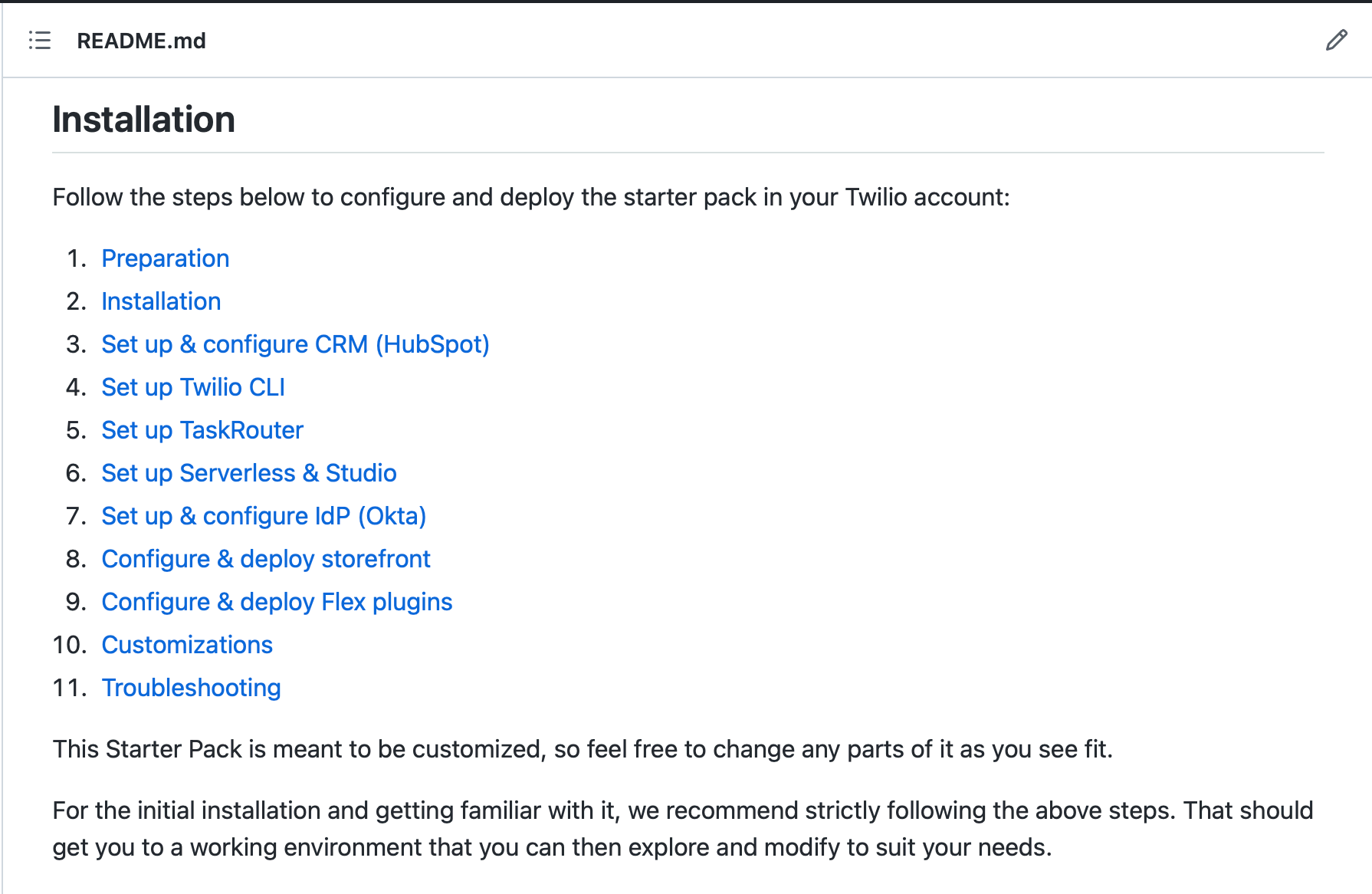
To put all this together, the starter pack bundle comes with detailed installation instructions. They guide the partner through creating and configuring the Flex project, integrating the external systems (Okta, HubSpot), and finally deploying the whole solution (both the contact center and the demo storefront) into Twilio’s cloud.
The presenter can then run the entire demo from the cloud. This could even be done by someone who’s unaware of how the solution operates, they just need to follow the demo script.
Using this bundle significantly reduced the effort needed to set up a fully-functional end-to-end demo from weeks to about a day.
However, the feedback I received during the pre-launch trial was that this was still quite a lot of effort.
To address this, I built a series of installation scripts that helped automate some of the steps and bring the time needed down to just 2-3 hours.
06
Impact & Lessons learnt
Immediately after launch, the starter pack received overwhelmingly positive feedback. 20 partners participated in the initial phase and built demos on it, resulting in more than 11 man-months of combined effort saved.
However, over time it failed to continue to gain traction. When evaluating the reasons, our research revealed the following:
- The starter pack was gated by a gold partner tier as an incentive. As a result, it was only available to a limited group of the most valuable partners.
- However, the partners that needed it the most were the smaller partners with limited resources that would typically not reach that tier.
- Lastly, partners that did use it wanted more complex features. But because of the low usage, further investments were hard to justify.
Eventually, together with the business stakeholders, we’ve decided to keep this project in a minimal maintenance mode and refocus on other priorities.