

01
Context
Twilio is a SaaS company with many products controllable via CLI.
A lot of Twilio’s e-learning focuses on demonstrating how specific tasks can be accomplished from a command line.
02
Problem statement
Command line procedures consisting of more than a handful of commands are challenging to relay in an e-learning context.
Video walkthroughs are not easy for users to follow along, especially when long complex commands are used. And simply listing the commands in text form reduces engagement.
03
Goal
Make learning content with lots of command line examples engaging.
Such content needs to:
- Include audio narration, explaining what is happening on the screen
- Let learners follow along on their end, by enabling them to easily copy commands being used
- The solution needs to work with Articulate Rise (authoring tool used)
04
Design process
3 options were considered:
Option 1
- Use existing video and code block widgets in tandem; minimum effort, no development needed.
- Duplication of information, the commands are shown in both video and code block.
- Uses a lot of screen real estate, hard to skim through.
Option 2
- Add a copy button to the existing video widget to copy the command. But what if the video discusses more than one command?
- Can we use the current position in the video stream to identify the last entered command?
- Not discoverable.
Option 3
- Build an entirely new widget that mimics the terminal in JavaScript.
- Allow selecting and copying commands directly from the widget.
- Add narration via accompanying audio track and synchronize seeking.
Eventually, the last option was selected. It was the most resource-intensive to build, but its benefits outweighed the other options.
05
Development
As a starting point, an existing project that already solved a similar problem was identified: CasTTY.
However, CasTTY wasn’t suitable for being embedded in Articulate Rise. This required a significant rewrite.
The final solution consists of two parts:
- Recorder binary that spawns a new terminal session, records whatever happens in it and saves it into a JSON format.
The recorder binary is reused from the CasTTY project with only minimal changes. - Web player that plays the previously recorded session. This was rewritten from scratch with the following features:
- Xterm.js powers rendering of the recorded terminal sessions, including scrolling and cursor position (similar to CasTTY, but moved to a newer 3.x branch).
- The player was made responsive and resizes fluently while maintaining the original aspect ratio (important for Articulate Rise embeds).
- The player has an optional splash screen with a title, to help set learners' expectations on what the session covers.
- The player has a configurable accent color that's used to display bold text and the title.
- The player is now built using webpack (important for hosting it on Twilio Functions).
The player is deployed as a Twilio Function that takes 3 inputs:
- URL pointing to the JSON file with the terminal session recording
- URL pointing to an MP3 file with the narration
- (optional) Accent color for the web player UI
The player is embedded to an Articulate Rise course as an iframe, with a source pointing to the above mentioned Twilio Function.
06
Demo
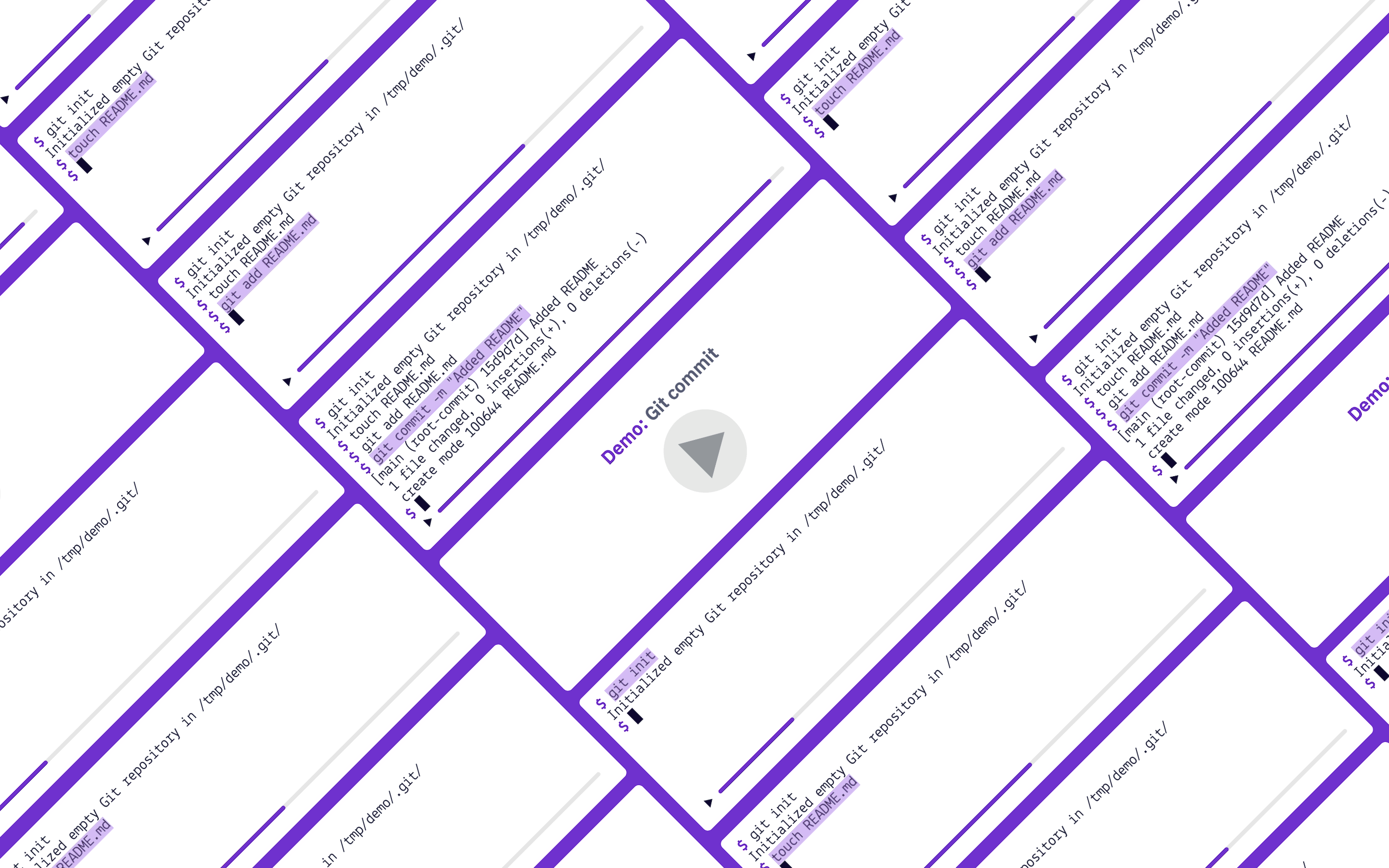
A quick demo showing the final product in action, narrating a procedure of making a git commit.
07
Future improvements
The player could be improved in several ways:
- Preview the final state of the terminal on the initial screen, to better set expectations about the content
- Configurable typeface, to better fit on a page
- Improve rendering on mobile devices (primary use case is desktop-only)